Short answer
Choose a power station using two separate numbers: watt-hours for runtime and watts for simultaneous output. Add the daily energy needed by essential loads, multiply by outage duration, then allow for conversion losses and reserve. Separately, add loads that may run together and check motor or compressor startup requirements.
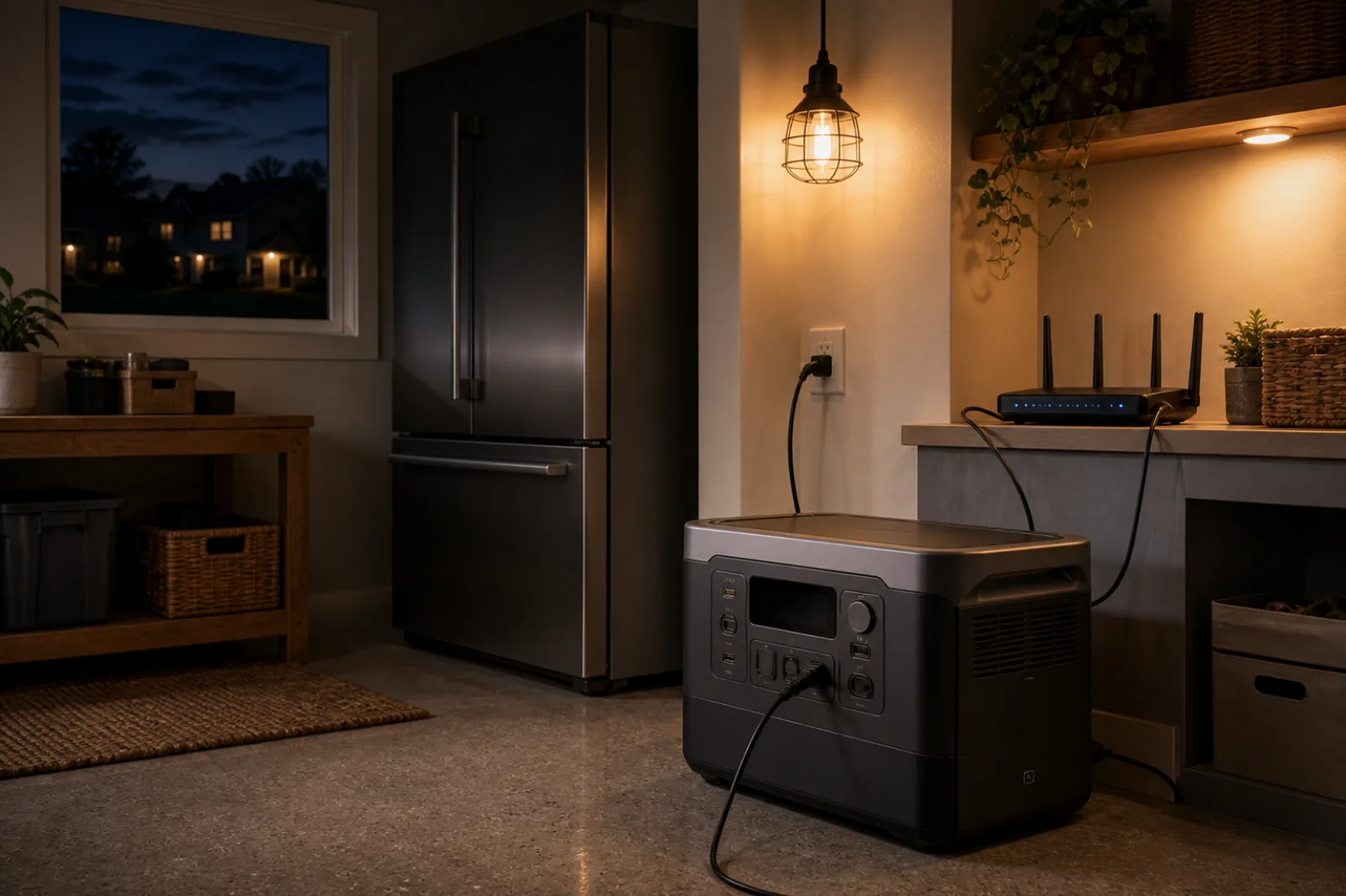
Worked example: a refrigerator, freezer and router for 24 hours
Illustrative inputs, not appliance averages or test results. This example shows the method; replace the watts, compressor-on hours and starting demand with your own equipment data. No solar recharge is assumed.
Hours mean total time drawing the listed running watts each day. On a small screen, scroll the table sideways to see starting watts.
| Load | Running W | Hours/day | Wh/day | Total starting W |
|---|---|---|---|---|
| Refrigerator | 120 | 8 | 960 | 800 |
| Freezer | 80 | 8 | 640 | 600 |
| Router | 15 | 24 | 360 | 15 |
Eight compressor-on hours over a 24-hour day is a 33% duty-cycle assumption, not an instruction to unplug the fridge for 16 hours. The appliance remains connected and its thermostat cycles it. Defrost heaters, ice makers, warmer rooms, door openings and cooling warm food can change both daily energy and peak demand.
1. Separate daily energy from starting power
Daily AC energy is 960 + 640 + 360 = 1,960 Wh (1.96 kWh). Simultaneous running demand is 120 + 80 + 15 = 215 W. With the refrigerator starting while the freezer and router run, the screen is 800 + 80 + 15 = 895 W. Both compressors starting together would be 800 + 600 + 15 = 1,415 W; the planner models only the largest single start, so check this separate case if it can occur. Published surge watts alone do not prove the necessary surge duration or outlet compatibility.
2. Include losses, idle consumption and energy held back
For this example, use 90% AC efficiency, 10 W of battery-side inverter idle draw for all 24 hours, and 20% of rated energy held in reserve. These are editable assumptions, not specifications for a particular brand.
Rated capacity = (1,960 ÷ 0.90 + 10 × 24) ÷ (1 − 0.20) = 3,022 Wh, or about 3.02 kWh. This is a mathematical minimum under the assumptions, not a guarantee that a nominal 3 kWh battery will finish the outage. Age, temperature and actual losses can require more capacity.
If each compressor instead runs for 12 hours/day at the same watts, daily AC energy rises to 2,760 Wh and the estimate becomes 4.13 kWh. This is a sensitivity example, not a claimed typical duty-cycle range. At the original loads, a 48-hour outage needs about 6.04 kWh before adding any verified recharge.
Edit this fridge/freezer plan →
The link opens all three example loads and these exact assumptions in the outage planner. Replace the values, check starting demand, then compare the sourced base configurations across brands. This is a planning screen, not a recommendation to buy the first match.
3. Replace the example with your refrigerator or freezer
- Use energy for capacity: record total kWh over a representative day or longer with a correctly rated plug-in energy meter, following its instructions. Include normal cycling and defrost. Daily Wh = measured kWh × 1,000 ÷ measurement days. Do not assume one brief running-watt reading represents all-day consumption.
- Use EnergyGuide as a cross-check: yearly kWh ÷ 365 × 1,000 estimates average daily Wh. For example, a hypothetical 365 kWh/year label equals 1,000 Wh/day. This does not supply running or startup watts. The FTC explains that EnergyGuide figures use DOE test procedures; your outage conditions can differ.
- Enter cycling once: with a verified 120 W running load and 960 Wh/day, use 960 ÷ 120 = 8 equivalent hours/day. Do not also reduce the watts by the duty cycle. If defrost or other modes materially change the load, use separate rows or treat this as an energy approximation and verify the higher power demand independently.
- Check power separately: use the appliance and battery manuals for voltage, continuous output, motor starting and connection limits. An ordinary energy meter may not capture brief inrush. Missing startup information is unknown, not zero.
Food safety is a separate check. Battery-runtime estimates do not predict food temperature. CDC guidance recommends appliance thermometers, a refrigerator at 40°F or below and a freezer at 0°F or below. With doors closed and no power, it gives up to four hours for a refrigerator, 48 hours for a full freezer and 24 hours for a half-full freezer. Follow its temperature and discard guidance; do not infer food is safe just because a planner shows remaining battery.
Example and linked FTC/CDC sources checked September 9, 2026. Calculations are planning estimates; SolarStateData has not tested these appliances or battery runtimes.
Home-backup sizing worksheet
Replace every example with a value from the appliance nameplate, manual, EnergyGuide label or a meter. Hours are expected operating hours per day.
| Essential load | Running watts | Hours/day | Daily Wh |
|---|---|---|---|
Planning estimate only. This sums listed running watts; it is not a startup-surge calculation. Confirm startup demand and compatibility in each manual.
How the calculation works
- Daily energy: running watts × expected hours for each load, then add the results.
- Outage energy: daily energy × planned outage days.
- Rated capacity: outage energy ÷ (1 − loss allowance) × (1 + reserve margin).
- Inverter output: add loads likely to overlap, then verify startup surge separately.
The worksheet and outage planner use different reserve definitions. Here, a 20% reserve margin adds 20% to the loss-adjusted energy. In the worked example and outage planner, 20% is held back from rated capacity (divide by 0.80), and inverter idle draw is included separately. Use the planner to reproduce the example; the simpler worksheet does not include idle consumption.
Already know the battery capacity and load watts? Use the power station runtime calculator for a direct hours estimate and a shareable result. Once you have a target, use the portable power station buying guide to compare output, surge, charging, battery, expansion and connection details.
Capacity classes: a practical screen
| Calculated capacity | What to compare | Main risk to check |
|---|---|---|
| Under 1 kWh | Small portable units for communications, lighting and short loads | Refrigerator runtime and surge |
| 1–2 kWh | Portable units for a compact essential-load plan | Overlapping loads |
| 2–4 kWh | Larger wheeled or expandable systems | Weight, recharge time and connection |
| Above 4 kWh | Expandable or installed backup systems | Transfer equipment, permits and installation |
These bands are shopping filters, not product recommendations. Compare usable energy, continuous output, surge limits, battery chemistry, warranty, charging inputs and expansion hardware.
Compare batteries against your actual loads
Screen capacity and continuous output across EcoFlow, Anker SOLIX, BLUETTI and Jackery. Check source dates, voltage, starting limits and expansion details before choosing a configuration. Unknown compatibility is not a match.
Compare power stations across brands →Need help interpreting the specifications? Read the home-backup buying guide.
Sources and checking method
- Federal Trade Commission: EnergyGuide labeling FAQs.
- Ready.gov: Power Outages.
- EcoFlow US: DELTA Pro product page.
Sources checked 26 August 2026. SolarStateData has not physically tested the listed power station and does not assume these example loads match your equipment.
Frequently asked questions
How many watt-hours do I need?
Add watts × operating hours for every essential load, then adjust for losses, outage duration and reserve.
Are watt-hours and watts the same?
No. Watt-hours determine runtime. Watts determine how much equipment the inverter can supply at once.
Where should appliance watts come from?
Prefer the nameplate, manual, EnergyGuide label or a meter. Online averages are rough placeholders.